
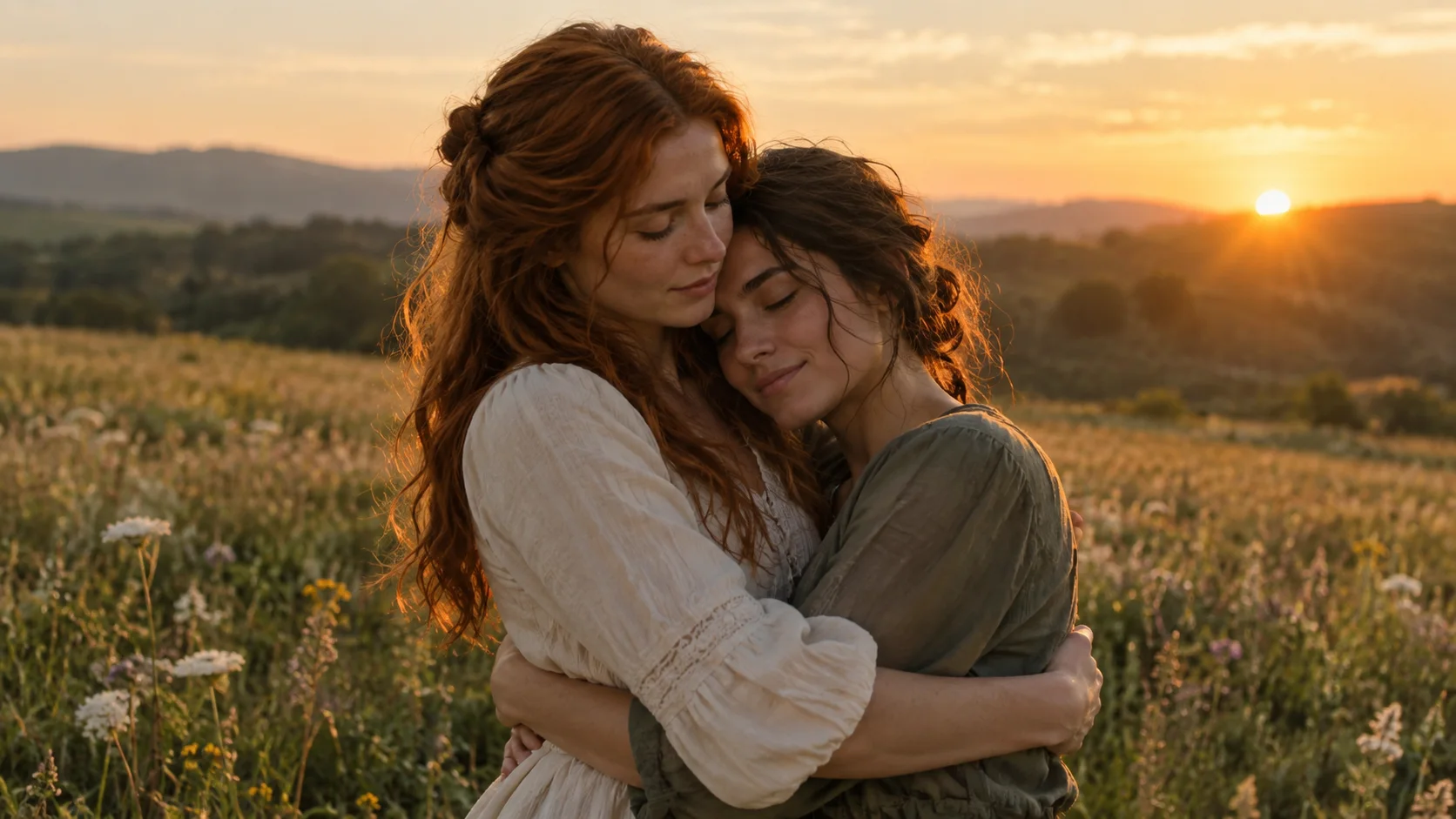
How to
How to Do the Zombie Trend with Two Photos
Make an AI zombie trend video online from two photos. Choose roles, quality and format, submit with credits, and download the result from My creations.
Understand the AI zombie trend, find your story, and choose the photos that bring it to life.
Create your zombie story ↗The trend, the photos, the first step.
Make an AI zombie trend video online from two photos. Choose roles, quality and format, submit with credits, and download the result from My creations.
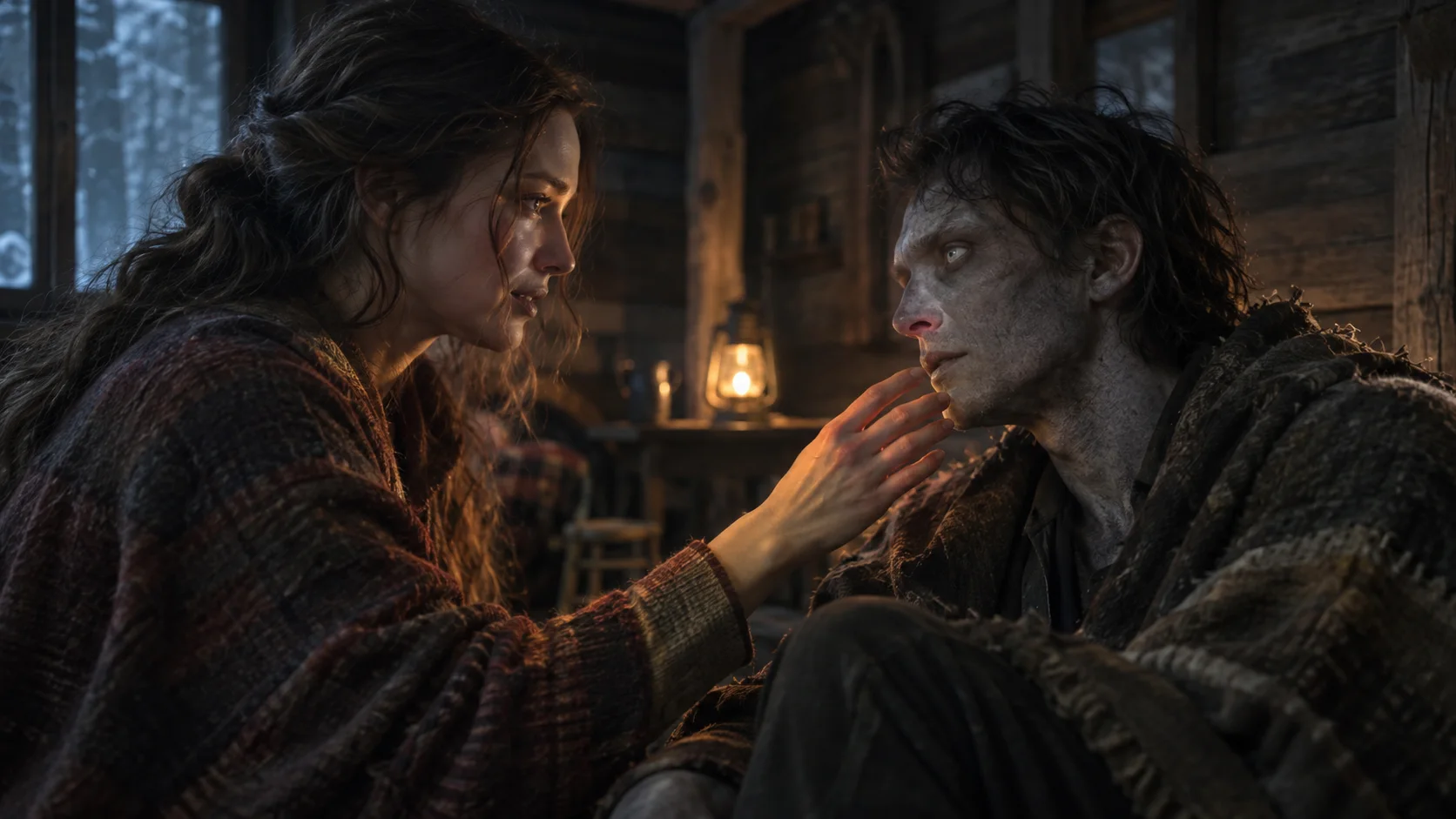
Understand the two-photo zombie love story, the hug that becomes a memory, and how this AI video differs from a zombie face filter.
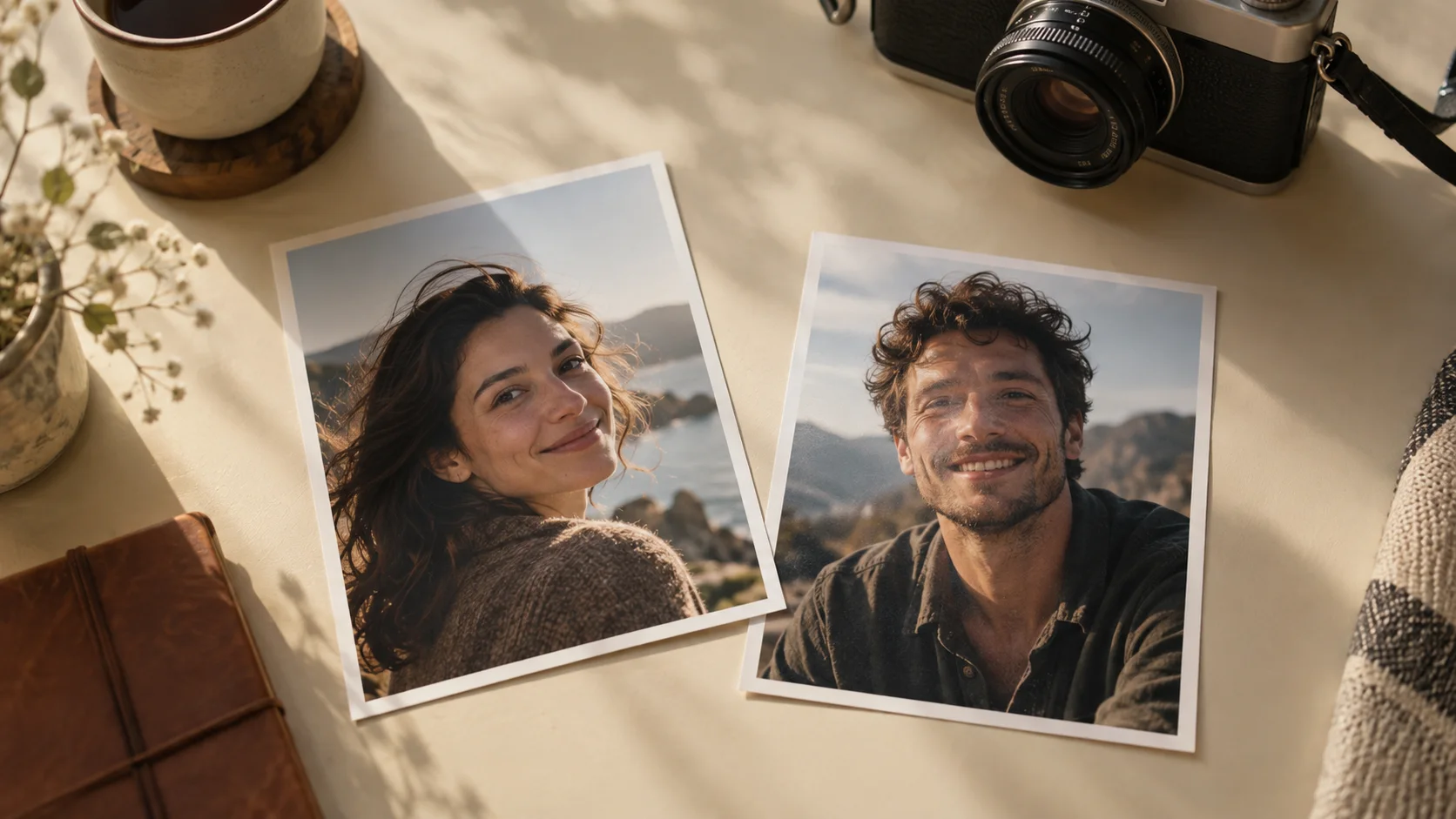
Choose clear role photos for a zombie trend video: lighting, face visibility, pet markings, upload order, file limits, and permission.
A closer look at the moments that matter.
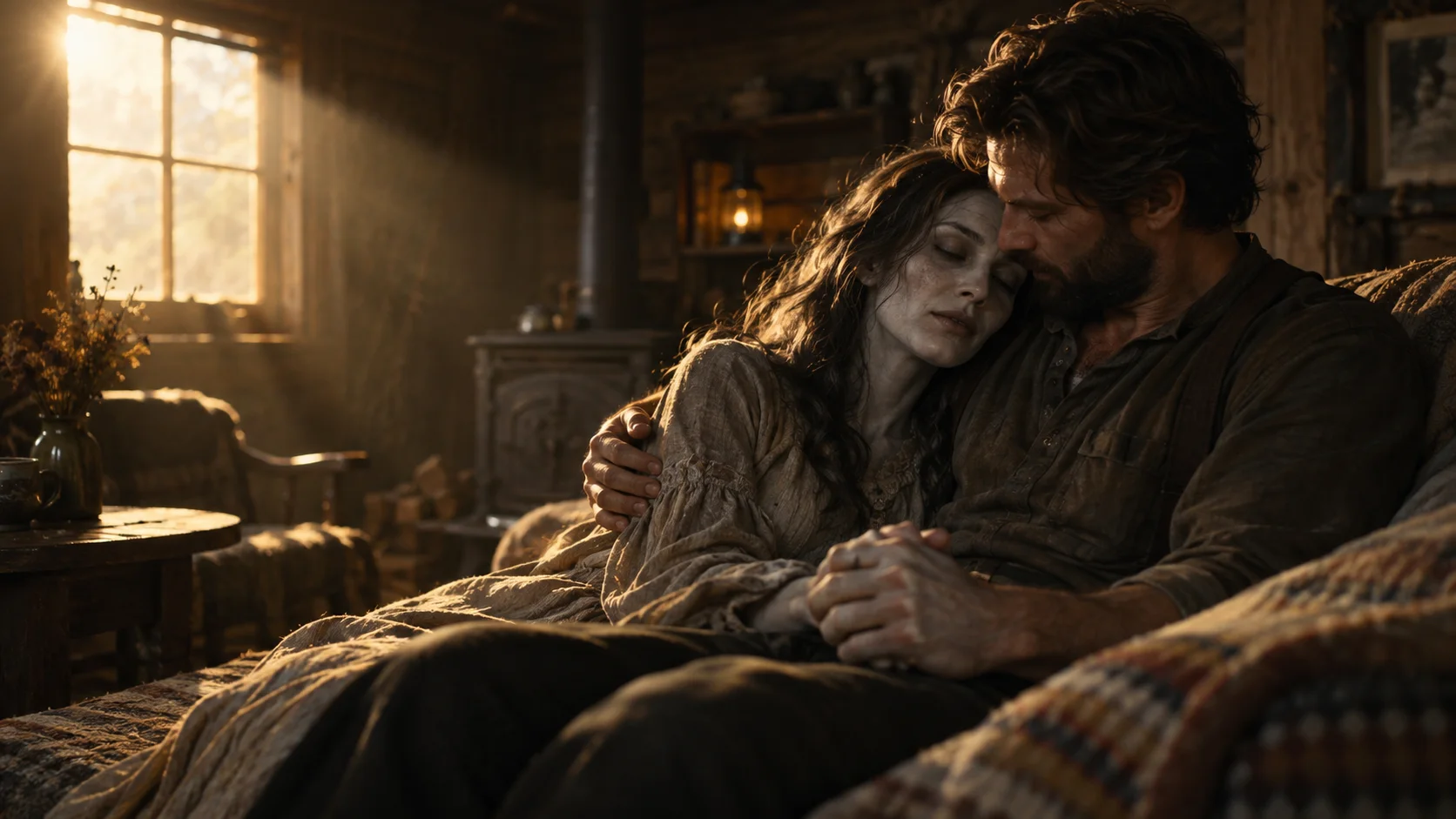
Copy human and pet zombie trend planning prompts. Learn photo roles, the pounce-to-hug transition and synchronized music, or generate online from two photos.
Explore the four beats of a zombie AI love story and how a match cut turns an apocalypse embrace into a warm memory of the same pair.
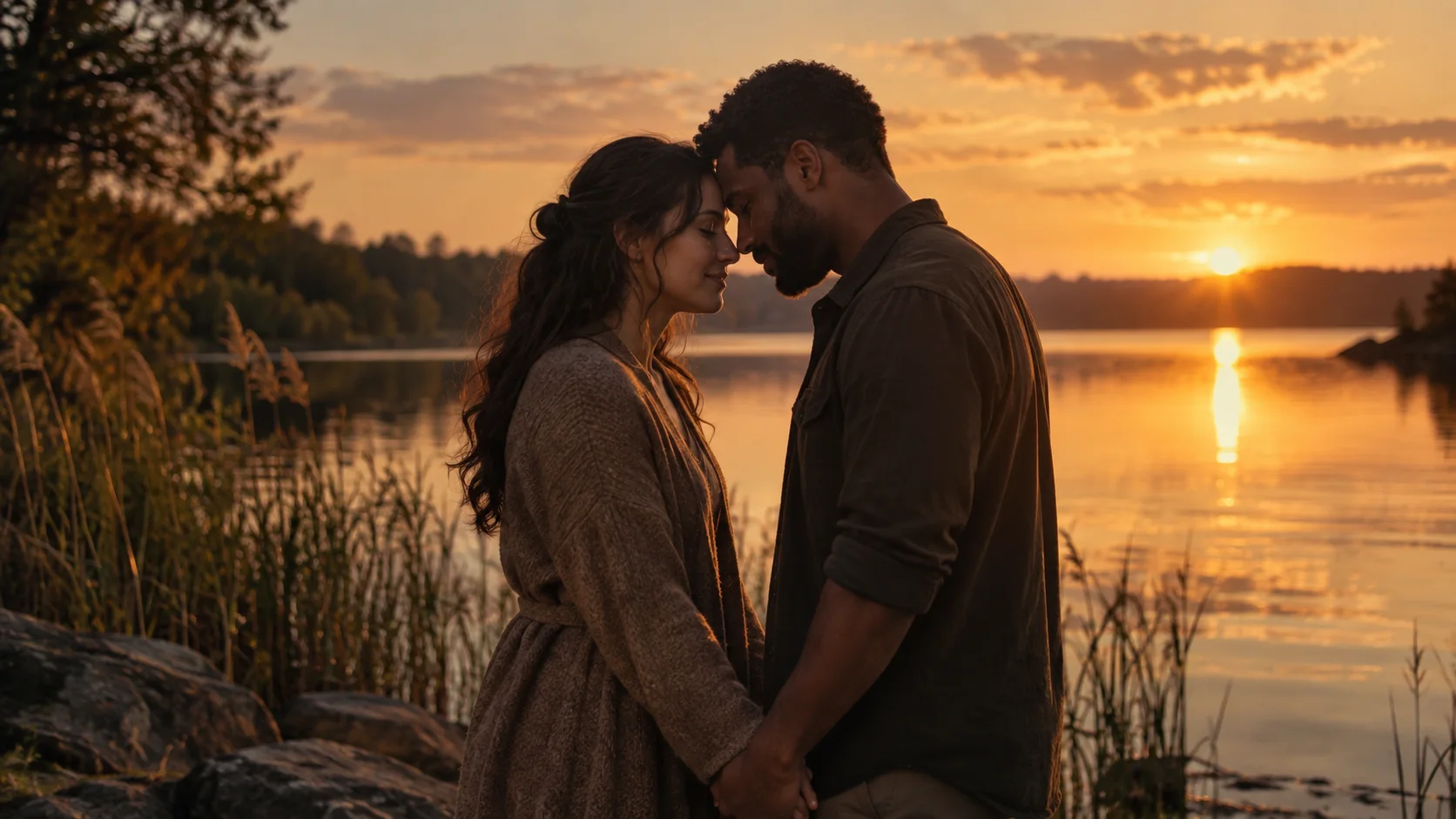
Find a personal angle for your couple zombie trend video: anniversary keepsakes, long-distance love, role choices, and original captions.
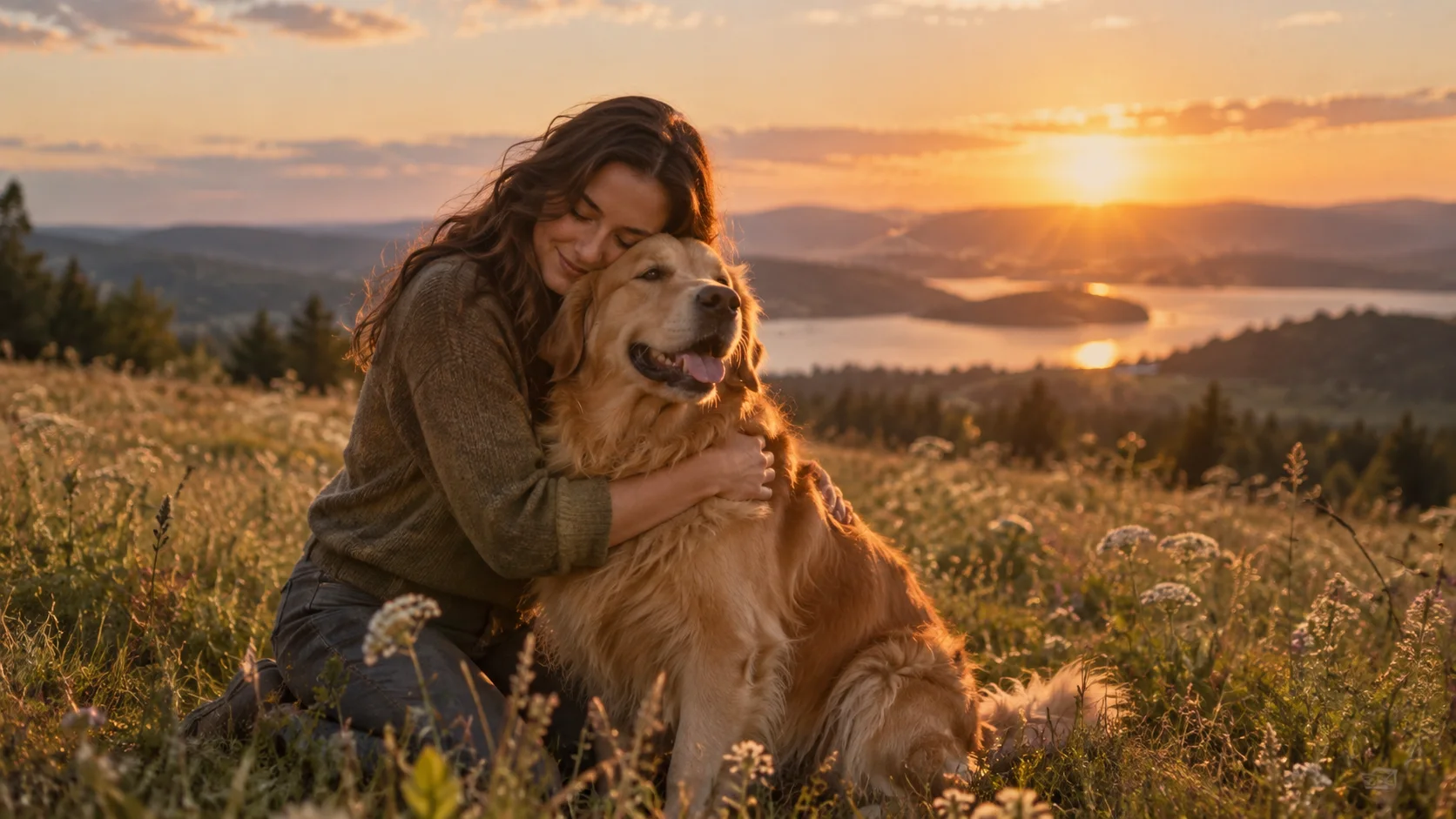
Make the pet version of the zombie trend with your dog or cat. Learn the photo order, the story, and ways to personalize how you share it.