Zombie Trend with Your Dog or Cat: Photos and Story Ideas
Make the pet version of the zombie trend with your dog or cat. Learn the photo order, the story, and ways to personalize how you share it.
Have your two photos ready? Create your zombie story ↗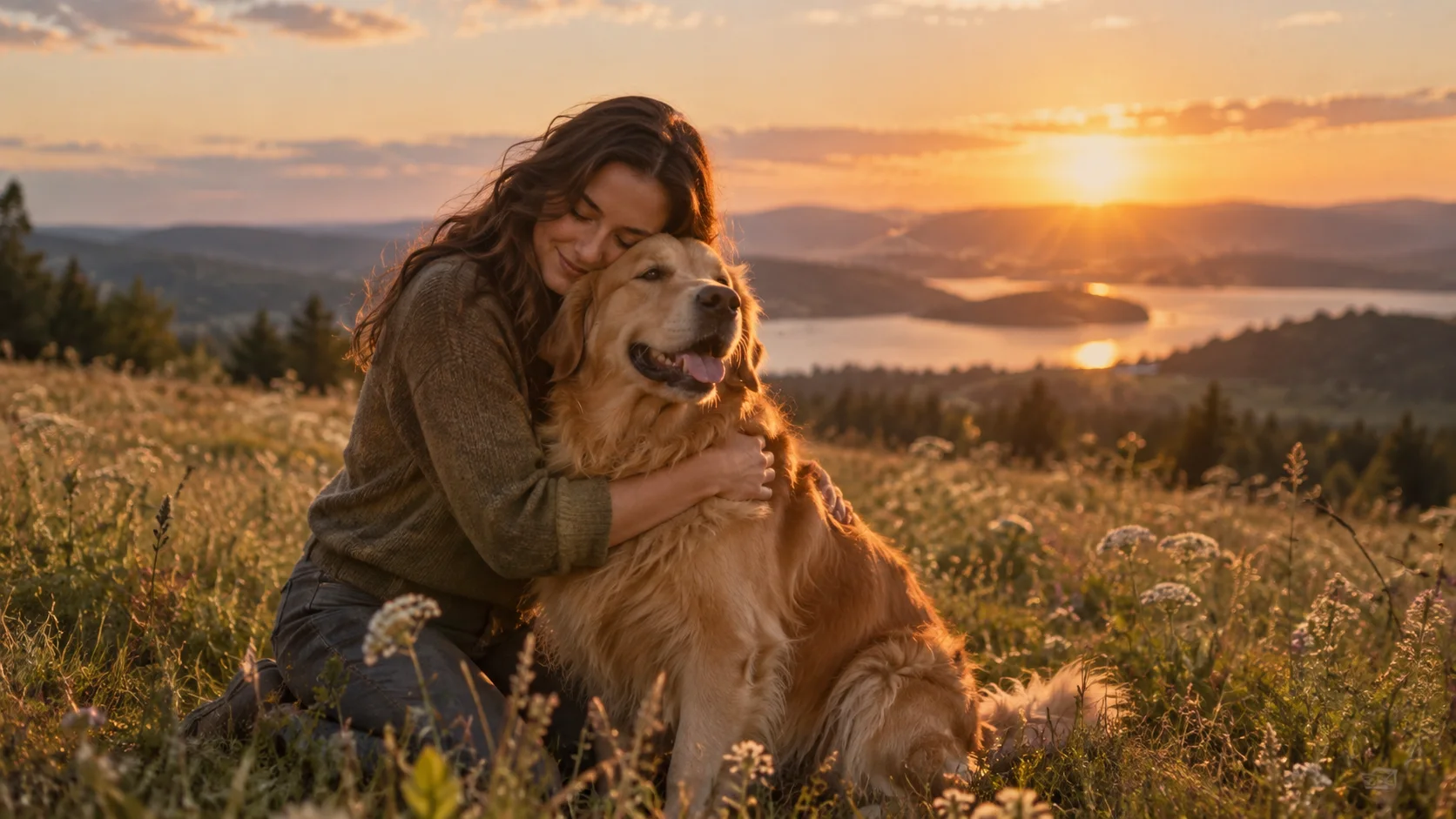
Ready to make a story with your companion? Open the homepage generator, choose Pet & me, and add your adult photo first and your dog or cat second.
The same choice, a different bond
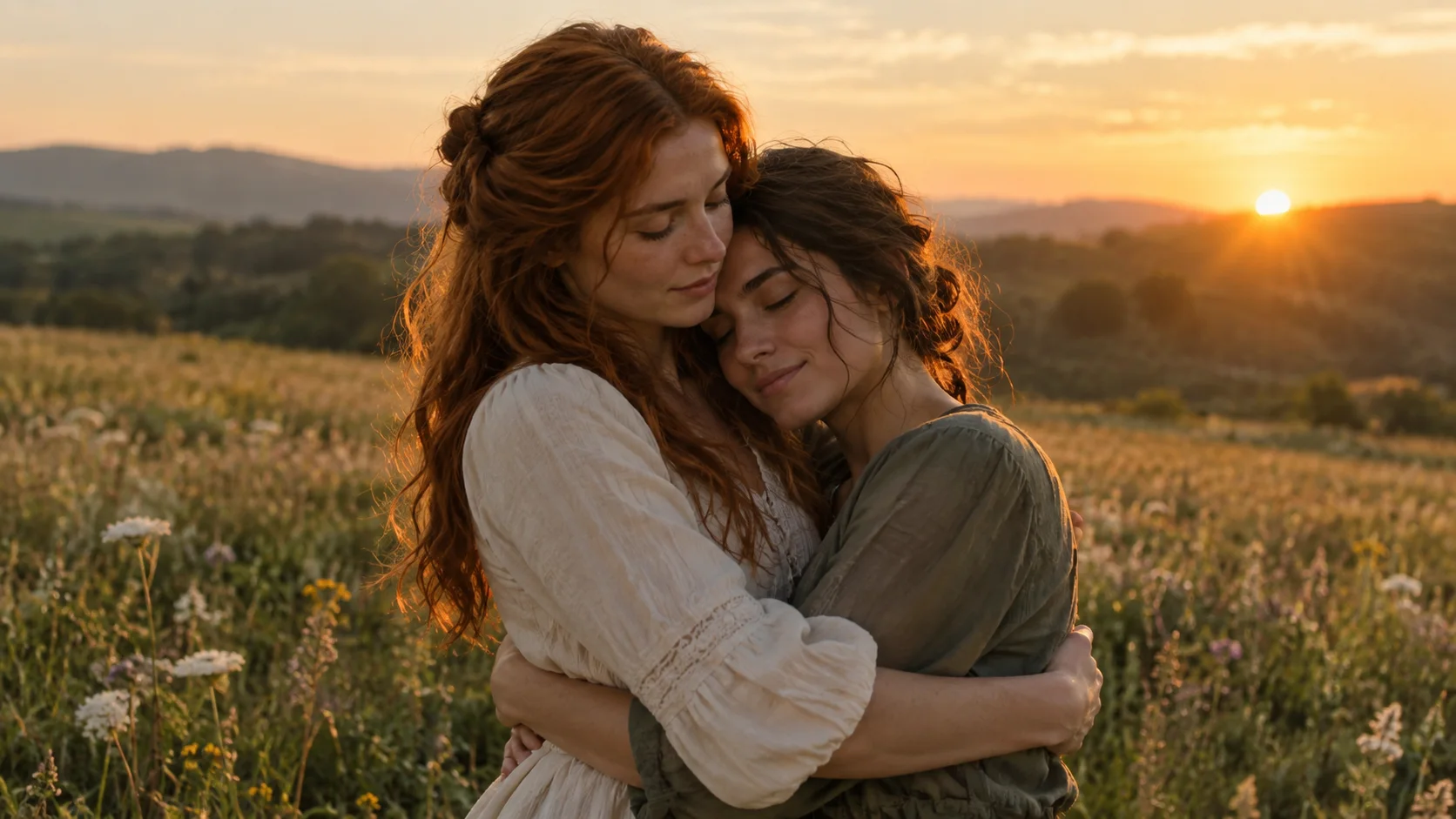
In the pet zombie trend, the one you refuse to leave behind is your dog or cat. You remain human, your pet takes the zombie role, and the confrontation becomes a reunion. The memory brings back the healthy pet you recognize.
The idea works because that relationship already has ordinary moments attached to it: the greeting at the door, a quiet afternoon, the companion who always follows you around. The video gives the bond an exaggerated movie setting while the feeling stays familiar.
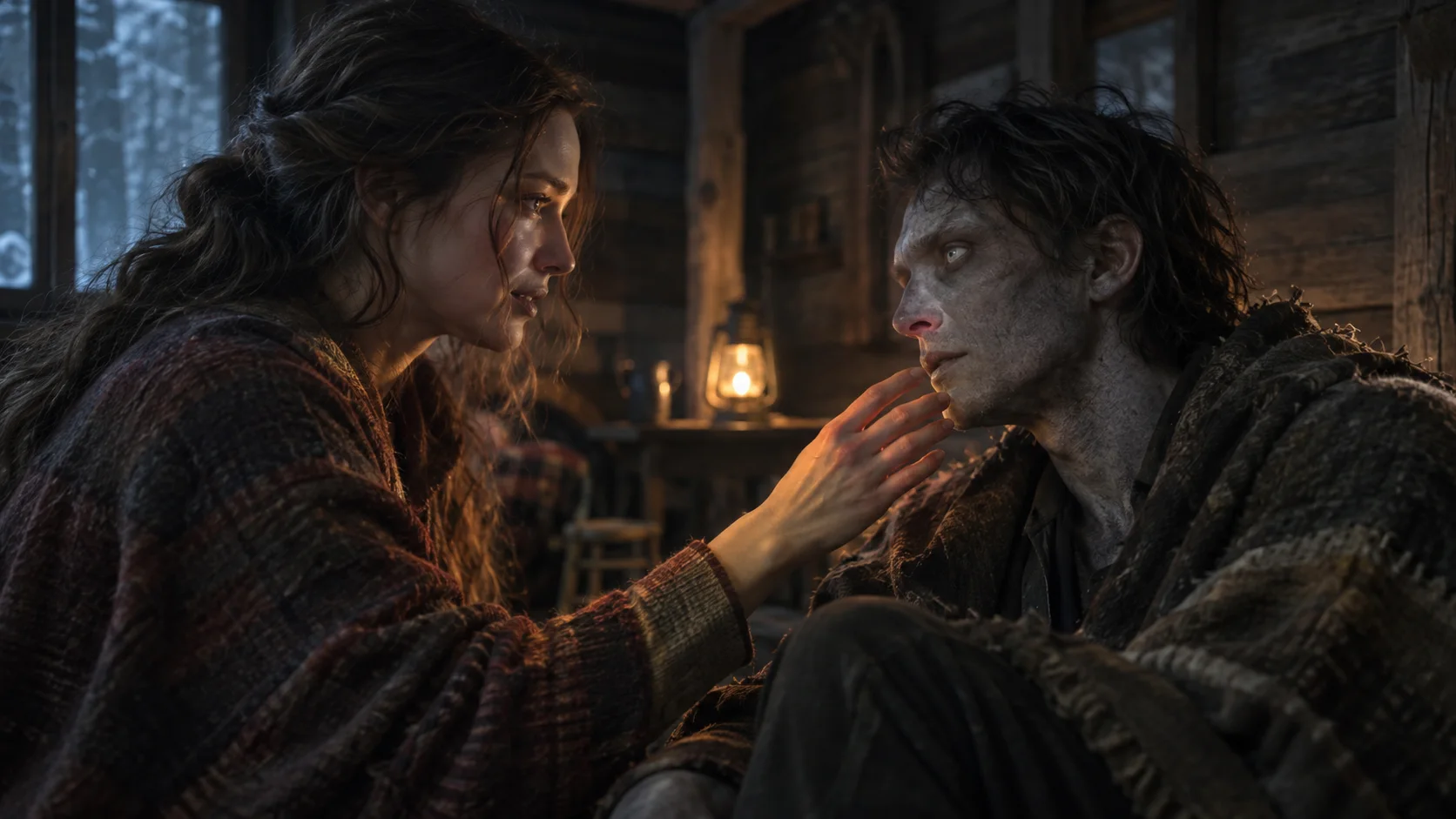
ZombieTrend's public pet example shows the style of this prepared story. It is AI-created imagery, not footage of a pet being harmed. Your personalized output can differ in facial details, movement, and timing.
Choose Pet & me and keep the photo order clear
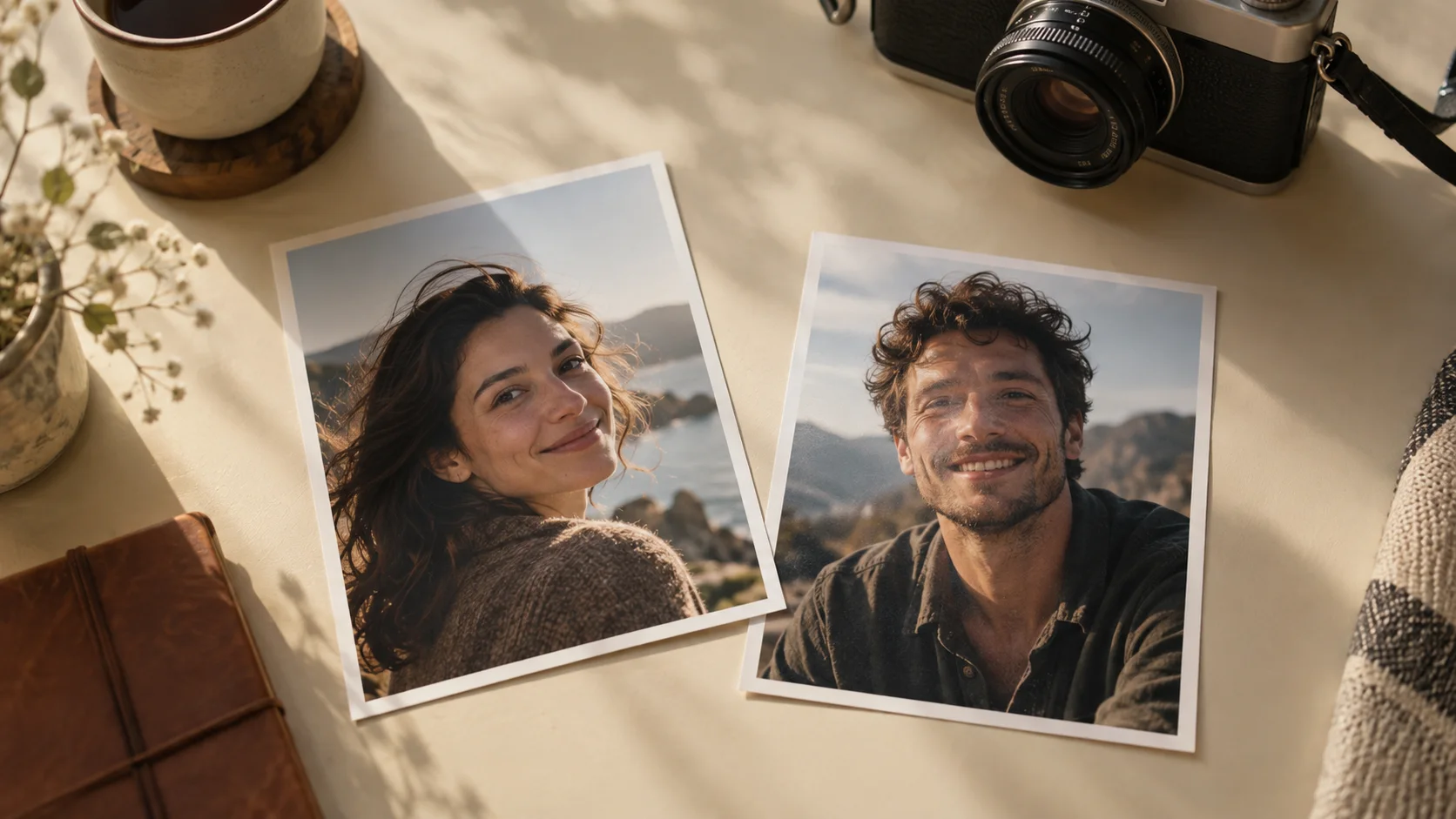
Open the creator and choose Pet & me. Upload a photo of yourself, or the intended adult human, first. Upload your dog or cat second. The second subject becomes the zombie and returns to their healthy appearance in the memory.
The current pet option is for a dog or cat paired with an adult. It is not a two-pet story, a group-pet scene, or a promise to support every animal species. Use one subject per image so the roles remain clear.
You can choose 480p or 720p quality and portrait or landscape format. These are output choices; they do not add a custom scene, a pet costume, or a prompt input.
Pick a pet photo that looks like your pet
Use a sharp photo with the face and recognizable markings visible. A picture at the pet's eye level can make the face easier to see. Avoid motion blur, a toy covering the muzzle, or a distant animal in a busy park.
For a dark-coated pet, look for lighting that shows the eyes and facial shape rather than a flat silhouette. For a pet with distinctive fur patterns, keep those markings visible. Choose a natural photo instead of an image already changed by a cartoon or face filter.
The files must be JPG, PNG, or WebP, up to 8 MB each. See the photo checklist for the full upload requirements.
Cat and dog photos need different details
For a cat
Choose a sharp eye-level photo where the ears, whisker area and coat pattern are readable. Keep a small cat large enough in the frame to avoid losing facial detail. Avoid a curled sleeping pose that hides the face or paws. The story aims for a natural four-legged approach and a small leap, not a cat with human arms or an oversized body.
For a dog
Show the muzzle, ears and recognizable coat markings. Preserve a natural sense of size: a large dog and a small dog should not use the same unsupported chest-height pose. Bright, even light is useful for dark coats; a close image without strong perspective distortion helps make proportions readable.
You do not need to pre-edit your pet into a zombie. The fictional story uses altered coat texture, posture and a tense approach before the healthy memory. These visual cues can vary in the generated result, and no photo guarantees exact markings or anatomy. Our human and pet prompt guide explains the storytelling choices for DIY experiments.
Story ideas for sharing the finished video
These ideas are ways to frame your delivered clip with a caption or dedication. They are not extra scenes that you can select in the creator.
The companion you would never leave behind
Keep the message simple and affectionate. An original caption such as “Every version of the world. Still my best friend.” puts the relationship first without needing a long explanation.
A keepsake for someone who loves their pet
With their permission to use the photos, the clip can be a playful keepsake for an adult pet owner. Add a personal note when you share it: why this dog or cat is part of their everyday life.
A gentle Halloween story
Pair the movie-like opening with a warm ending. If you share it publicly, describe it as AI-created and choose an audience comfortable with the zombie imagery. You can keep your caption tender rather than trying to make the video more frightening.
What happens after submission?
After choosing the photos and options, sign in, add credits if needed, and submit the request. A standard 480p clip uses 200 credits; a 720p HD clip uses 300. Buying a pack alone does not create a pet video request.
The generator makes a 15-second clip with sound online. Allow about 10–15 minutes; high demand may cause longer waits. Follow progress in My creations, then watch and download the completed result. You can close the page while generation continues. Read the step-by-step tutorial if this is your first request.
Review your finished pet story
Check that the animal is still your intended dog or cat, with recognizable size and markings. Watch the full approach for four-legged motion, safe support at contact, and continuity between the cabin and memory. Listen for the change from tense sound to a warm score as the scene changes. A dramatic pounce and an affectionate ending should read as one action, rather than two separate greetings.
Public examples illustrate the arc, not a promise of identical poses. Save your downloaded copy and label it as an AI-created fictional story when sharing. Contact support with the request ID if you need help with a result.
Questions about pet videos
Will my pet look exactly the same?
Exact likeness is not guaranteed. Clear photos give the generator a better reference, but AI can change markings, proportions, and motion. Review the completed clip before sharing.
Can I include two dogs or cats?
The current Pet & me story uses an adult in the first role and one dog or cat in the second. Choose one pet for this request rather than uploading a group photo.
Can I use the finished video immediately after paying?
No. Payment adds credits; successful submission starts the request. Online generation starts only after successful submission. It usually takes about 10–15 minutes and may take longer during high demand; paying does not make a finished video available immediately.
Make a story for you and your pet
Start your Pet & me video in the homepage generator. Add your adult photo first and your dog or cat second, then check the previews before submitting. Follow online progress and download the completed 15-second story in My creations.