Zombie Trend Prompt: Two Photos, an Embrace and a Memory
Copy human and pet zombie trend planning prompts. Learn photo roles, the pounce-to-hug transition and synchronized music, or generate online from two photos.
Have your two photos ready? Create your zombie story ↗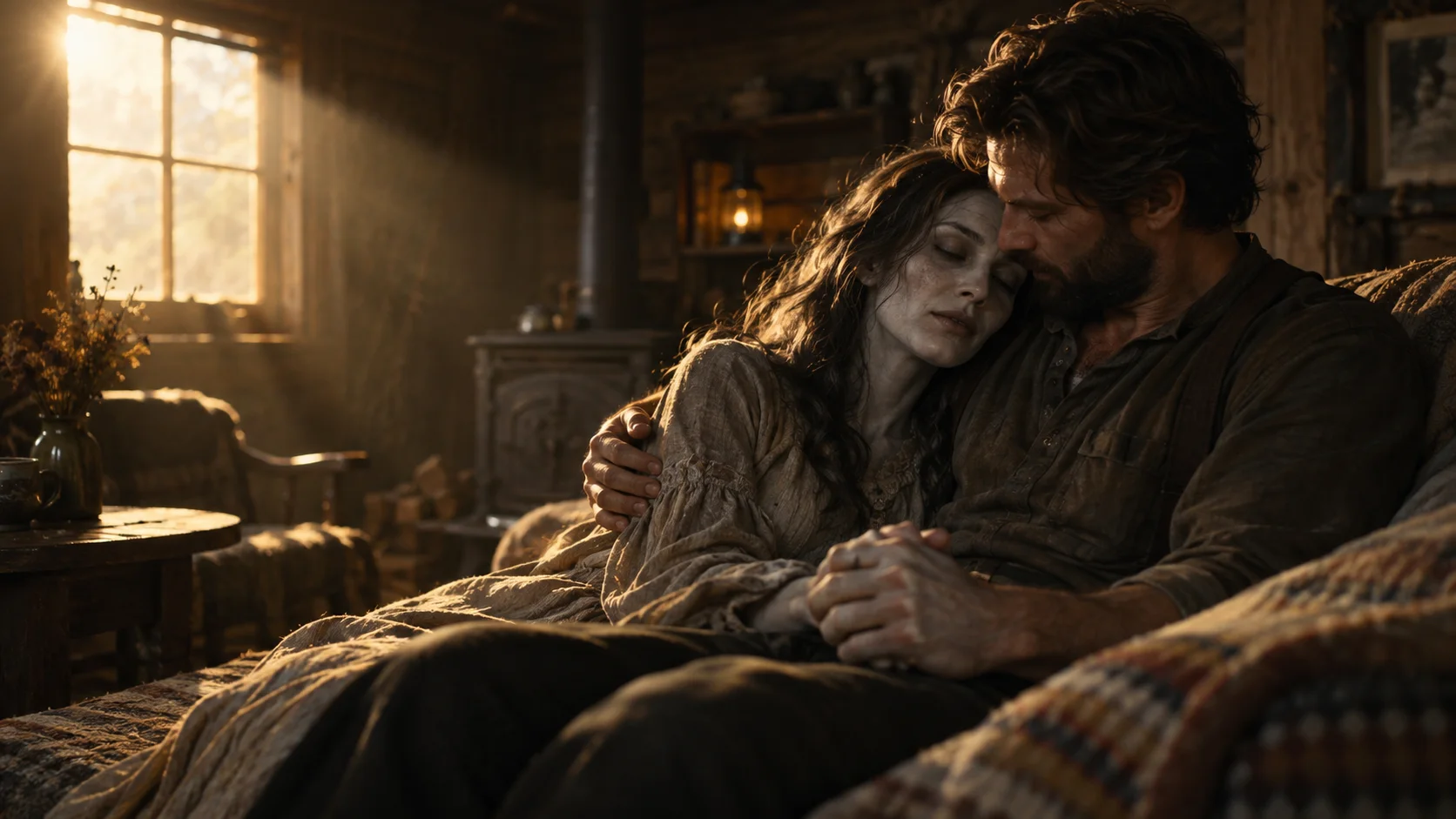
Want the story without writing a zombie trend prompt? Start in our homepage generator. Choose Human & zombie or Pet & me, add two separate photos, and follow the creator to submit. The prepared story already contains the encounter, the embrace and the happier memory.
A zombie trend prompt should define who stays human, who becomes infected, how the threatening approach turns into an embrace, and when the scene and music change together. This guide gives human and pet planning prompts for a compatible reference-image video tool. They are English DIY outlines adapted from our story-testing lessons, not a guarantee of repeatable results.
What a zombie trend prompt needs to describe
The story is not just a request to turn a face green. It needs a relationship, a difficult moment and a change of meaning. First, one character recognizes someone familiar beneath a zombie appearance. Then the distance closes in an embrace. A warm memory continues the same relationship in a different setting.
A useful prompt names the two roles before describing the environment. The first reference is the adult who stays human. The second is the adult partner or friend who appears as a zombie and then as their healthy self. Keep those roles stable throughout the story, rather than introducing a new person for the ending.
The emotional transition is the focus. A readable face, a clear approach and a recognizable embrace matter more than listing dozens of camera effects. Too many competing actions can make a short clip lose the moment that connects the scenes.
Human and zombie: a copyable story-planning prompt
The prompt below outlines a human-and-zombie story. You can copy it as a starting point for a compatible reference-image video tool. Attach your actual photos there: typing “Photo 1” does not attach an image. A tool's available duration, reference support and editing controls determine how much of this outline it can produce in one generation.
Human story-planning prompt
Create an approximately 15-second cinematic fictional zombie story with synchronized sound, using two authorized adult reference photos. Choose the supported aspect ratio and resolution in your video tool.
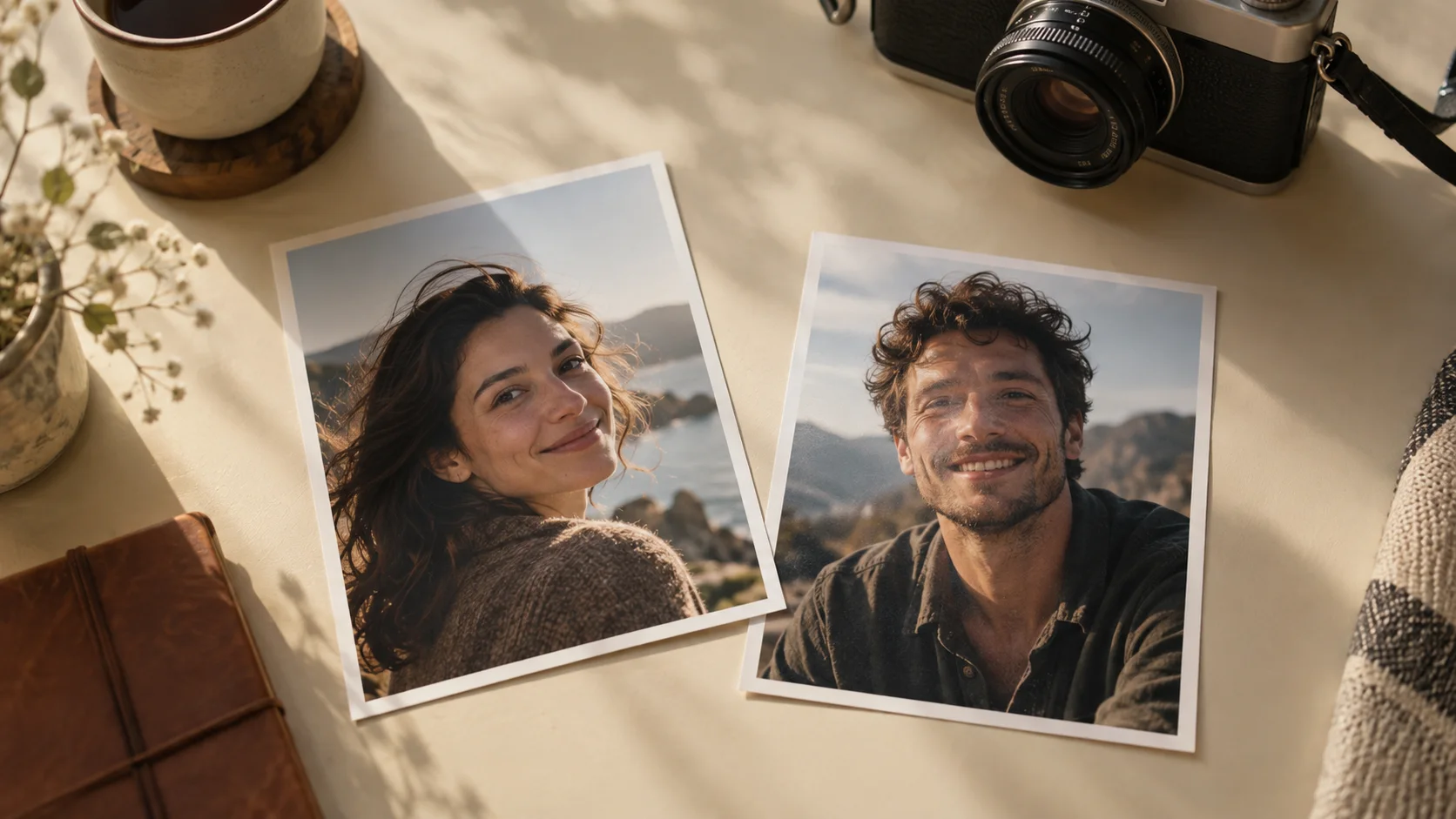
Photo 1 is A, the human. Photo 2 is B, the adult who appears infected in the cabin and healthy in the memory. Keep each person's recognizable face shape, facial features, hairstyle and visible build consistent. Do not swap roles or add characters. Remove selfie phones and ignore the original photo backgrounds.
Begin in a cold, dim, ruined wooden cabin. Establish both adults in a wide or over-the-shoulder view, separated by several metres of open floor. A is frightened and tearful, hesitating with a lowered weapon, never firing. B is recognizable: use dusty, slightly torn clothing, subtly pale skin, a tense posture and threatening movement, without blood, wounds, decay or distorted facial anatomy. Avoid close-ups of B's infected face.
A recognizes B and lowers the weapon fully. B suddenly gathers momentum, rushes across the visible distance and lunges toward A as if attacking. Keep this movement in a clear side-on wide shot. Do not replace it with a slow walk or a welcoming run into an already waiting hug.
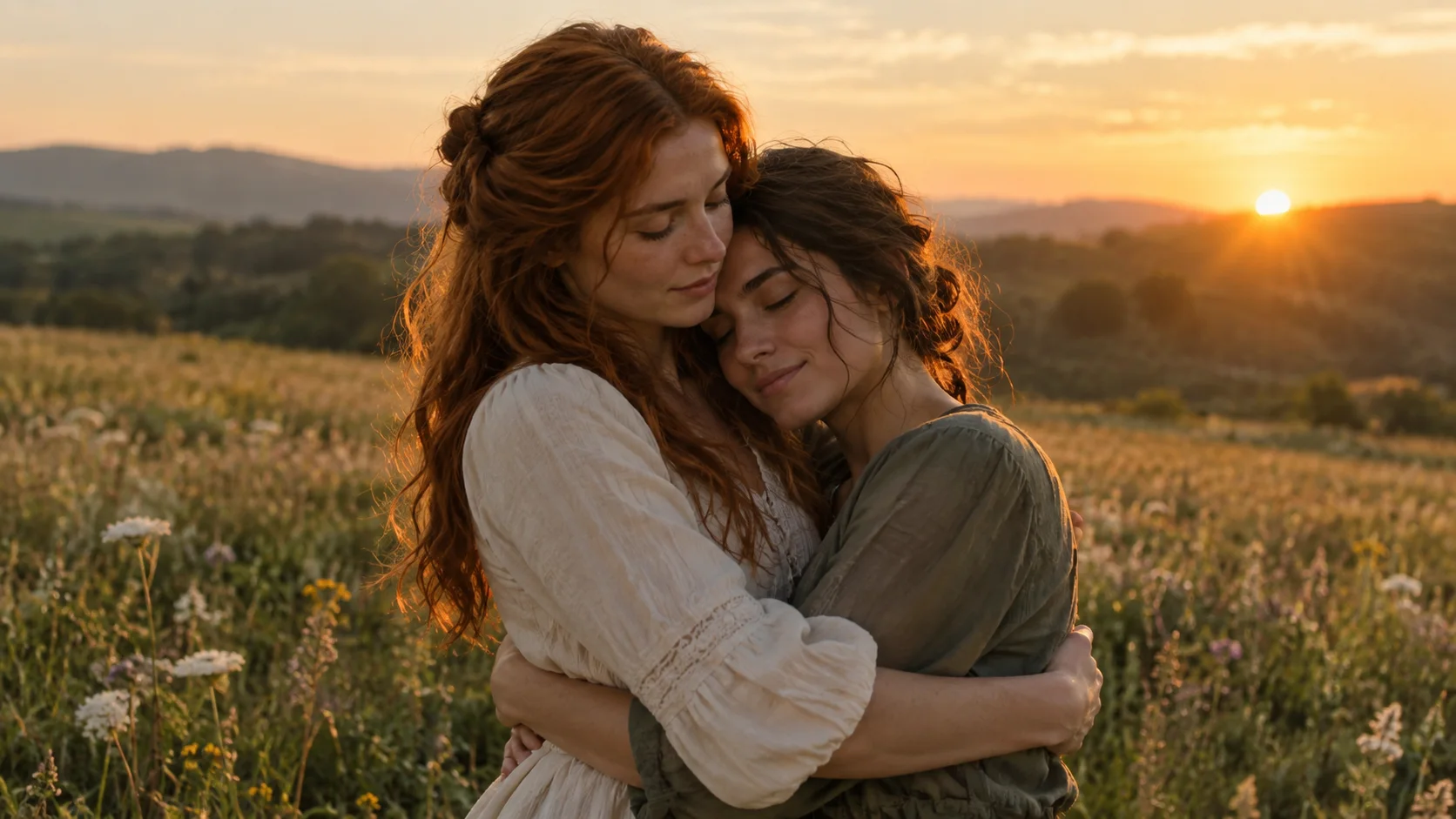
As B's reaching arms are about to make first contact with A's shoulders, transition into a warm sunlit field. Carry the same screen positions, arm directions and forward momentum across a short match cut or brief dissolve. First contact resolves into one continuous embrace in the warm scene: no pause hugging in the cabin, no second approach, no reset of the action. B is now healthy and recognizable; the same clothes are clean and intact. No weapon remains in the memory.
Use quiet tense ambience, urgent footsteps and a rising suspense score in the cabin. On the first visible warm frame, replace the tense score with clearly audible gentle piano and warm strings. Do not leave a silent gap or delay the new music until the hug finishes. End with a tender connected embrace and natural breathing. No dialogue, captions, logos, extra limbs or graphic violence.
The prompt describes the result you are asking for, not a guarantee of exact faces, timing or anatomy. If your chosen tool produces shorter clips, plan the encounter and the memory as separate shots. Keep the same role assignments, and check the final frame of the embrace against the opening frame of the memory before joining them.
You do not paste this text into ZombieTrend. Our creator uses a prepared story. Make the story from your photos if you would rather choose the characters and generate the video online. Allow about 10–15 minutes; high demand may cause longer waits. Watch and download the result in My creations.
Pet zombie trend: a dog or cat planning prompt
Use one authorized adult photo and one clear dog or cat photo. Attach each image only once and assign the roles at the start. The pet outline preserves animal scale and four-legged motion, instead of applying a human running-and-hugging action to every animal.
Pet story-planning prompt
Create an approximately 15-second cinematic fictional zombie pet story with synchronized sound, using two authorized reference photos. Choose the supported aspect ratio and resolution in your video tool.
Photo 1 is A, the adult owner. Photo 2 is B, one dog or cat. Preserve A's recognizable face, hairstyle and visible build. Preserve B's species, breed appearance, size, coat pattern, ears, muzzle and markings. Never turn the animal into a person or a different species. Do not add other people or animals.
Begin in a cold, dim, ruined wooden cabin. Establish the owner and pet several metres apart with visible open floor between them. A is frightened and tearful, holding a lowered weapon without firing. Show B in a medium-wide view, with dusty, matted, grey-tinged fur over the recognizable original coat, a tense low posture and an unusually threatening stare. Keep these fictional infection cues until the transition. No blood, wounds, exposed bones or graphic decay.
A recognizes the familiar pet, puts the weapon aside and lowers onto one knee. B suddenly accelerates on all four legs across the visible distance, then springs toward A with a startling attacking motion. Preserve realistic animal anatomy and scale. B does not stroll gently, run upright or leap toward the camera.
Just before B's front paws contact A's upper body, transition to a warm sunlit field. Keep A kneeling, preserve left-right positions and carry the same leap into first contact in the warm scene. The threatening pounce becomes one affectionate reunion. A holds a small pet safely near the chest; a large pet stays supported with hind paws on the ground. No repeated leap or second approach. B is healthy again with the original coat and markings. No weapon remains in the memory.
Use tense ambience, rapid paw steps and a rising suspense score in the cabin. On the first visible warm frame, replace it with clearly audible gentle piano and warm strings, without a silent gap or delayed music. Finish with natural affectionate contact and quiet breathing. No dialogue, captions, logos, human-like animal hands or graphic violence.
A small cat can be held close to the chest; a large dog should remain supported with its hind paws on the ground. Keep the original species, coat pattern and markings visible beneath the fictional infection cues. See the pet photo guide for source-photo preparation.
These public English outlines have not been independently validated across every model. Our human and pet story tests informed their constraints, but a tool can still change identities, poses or timing. Test and review the output before treating it as ready to share.
Why the two photo roles matter
Use one intended subject per image. If both photos contain several people, the role descriptions are harder to interpret. Choose photos that show the face clearly, and agree with the other adult about which role they will take.
The survivor and the zombie are story roles, not a requirement for a particular gender. Two adult partners or friends can supply the references. A photo taken on a different day is fine as preparation; matching outfits and backgrounds are not necessary for the relationship to make sense.
For our pet option, photo one is the adult owner and photo two is the dog or cat. Pet motion needs its own treatment: a human leap is not a realistic action for every animal. Use the pet story page to see the kind of reunion before choosing photos.
The hug-to-memory match cut
The transition works when a movement in the tense scene continues into the happy scene. The direction of the approach, body positions and point of contact give the viewer something to recognize across the cut. A fade between unrelated poses creates a different effect.
A snowy slope and a sunlit meadow can both be imagined as memories, but the location alone does not create continuity. The same two identities and the same connected action do that work. In the current ZombieTrend creator, the memory location is part of the prepared story, rather than a separate option you select.
Our story explanation explores this transition, and the video examples show different interpretations of the reunion. Gallery scenes and durations vary; they are not all available as selectable templates.
Make the sound change with the picture
Treat the first visible warm frame as the music cue. Replace suspense with a clearly audible warm score at that point, rather than waiting until both subjects are settled in the hug. Ask for softer contact and landing sounds so they do not cover the new music. A prompt requesting sound only works in a tool and mode that actually support audio generation.
Common generation problems and what to adjust
| Problem | What to make explicit in the prompt |
|---|---|
| The subjects barely move | Establish several metres of open floor in a wide shot before the approach |
| The zombie walks gently into a hug | Specify a sudden threatening rush or animal pounce; resolve it into affection only at contact |
| The face becomes unrecognizable | Preserve face shape, hair and visible build; use dusty torn clothes and posture instead of facial decay |
| The pet barely looks infected | Keep coat texture and grey tint visible through the pounce, while preserving markings and anatomy |
| The cabin hug finishes before the cut | Trigger the transition as arms or paws reach the other subject, rather than after a settled embrace |
| The action resets in the memory | Preserve screen positions, arm directions and momentum across the cut |
| Warm music starts late | Bind the new score to the first warm frame, not to the end of a timed segment |
These are revision directions, not reliable switches. Simplify competing instructions, regenerate only if you accept that tool's cost, and inspect the whole video including sound. A single good output does not prove that the same text will always succeed.
Prompting it yourself or using the prepared creator
| Decision | A compatible DIY video tool | ZombieTrend |
|---|---|---|
| Story instructions | You write and adapt the prompt | The story is prepared |
| Character preparation | Attach references and assign roles | Add two separate role photos |
| Scene assembly | Depends on the tool; you may join clips | Follow the creator's request flow |
| Quality and format | Check the tool's controls | Choose the options shown in the generator |
| Cost and delivery | Check that tool before generating | Review our generator and credit packs before submitting |
DIY can suit someone who wants to experiment with a different setting and edit the result. ZombieTrend suits someone who wants the prepared emotional story with their own people or pet, without managing a prompt or a timeline. The full creation guide walks through our photos, options and submission steps.
Common zombie trend prompt questions
Is the prompt free?
The original planning text on this page is free to copy. Video generation is separate. Our creator uses paid credits; copying a prompt does not provide free video generation or a free credit balance.
Can I change the story by pasting a prompt into ZombieTrend?
No. The current generator has prepared human and pet stories, with quality and format options. A custom location or script requires a separate DIY workflow in a tool that supports it.
Can ChatGPT help me write a zombie trend prompt?
You can use a text assistant to organize the roles, scene sequence and sound cues. A written prompt still needs a video tool that supports your reference photos and chosen settings. Writing or copying text does not generate a video in ZombieTrend; our creator already supplies its story instructions.
Can a prompt guarantee that my face stays identical?
No. Clear references and stable role descriptions help communicate the goal, but AI output can alter facial details, motion and timing. Our photo guide helps you choose readable source images.
Prefer not to write prompts? Start with your photos
Open the ZombieTrend generator, select Human & zombie or Pet & me, and add one clear photo for each role. Review the current options and delivery details before submitting. If you want to see the story first, explore the prepared template.